Corporate livestreams fail for predictable reasons: insufficient internet bandwidth, inadequate audio quality, no redundancy plan, and insufficient pre-event testing. None of these are unavoidable — they’re the result of treating livestreaming as an afterthought rather than a first-class production layer. A systematic checklist-driven approach catches the issues that matter before they become live failures in front of your virtual audience.
This checklist covers every phase of corporate livestream production — from initial planning through post-event delivery — for events ranging from small internal broadcasts to large external conferences.

Livestream Production Scope by Event Size
| Event Type | Virtual Audience | Production Level | Budget Add-On |
|---|---|---|---|
| Internal Broadcast | 25–200 | Single camera, basic encode, Zoom/Teams | $2,000–$5,000 |
| Town Hall Livestream | 200–500 | 2-camera, dedicated encoder, enterprise platform | $5,000–$12,000 |
| National Conference Stream | 500–2,000 | Multi-camera, virtual producer, interactive platform | $15,000–$35,000 |
| Public Broadcast Event | 2,000+ | Full broadcast crew, CDN, redundant feeds | $30,000–$80,000+ |
Pre-Production Checklist (4–8 Weeks Before Event)
Technical Infrastructure Planning
Confirm dedicated wired internet at the venue — call the venue’s IT team directly and order a dedicated circuit with guaranteed upload speed. Never assume hotel WiFi is sufficient. Document the bandwidth you’re ordering, the connection point in the room, and who to call if it fails on show day.
Platform Selection
Select your streaming platform based on three criteria: expected virtual audience size, interactivity requirements (Q&A, polls, networking), and security needs (public vs. private stream, password protection, single sign-on). Common enterprise options include Zoom Webinar, Vimeo Enterprise, Hopin, and YouTube Live for public events.
Camera Plan
Define how many cameras you need and where each will be positioned. Minimum for professional results: one camera on the presenter (wide shot), one on the screen/content, and one for audience reaction or wide room shots. Define shot types for each camera and plan cable runs and power locations.
Audio Architecture
Plan your streaming audio mix separately from your in-room mix. The streaming mix should be taken directly from the microphone feed — before the room PA adds reverb, delay, and distance artifacts. This is the most overlooked technical decision in corporate livestream setups.
Encoder and Signal Chain
Specify your encoding hardware (hardware encoder recommended over software for reliability) and document the complete signal chain from camera to platform. Identify the exact output format your platform requires (bitrate, codec, resolution, keyframe interval) and configure your encoder accordingly during pre-event testing.
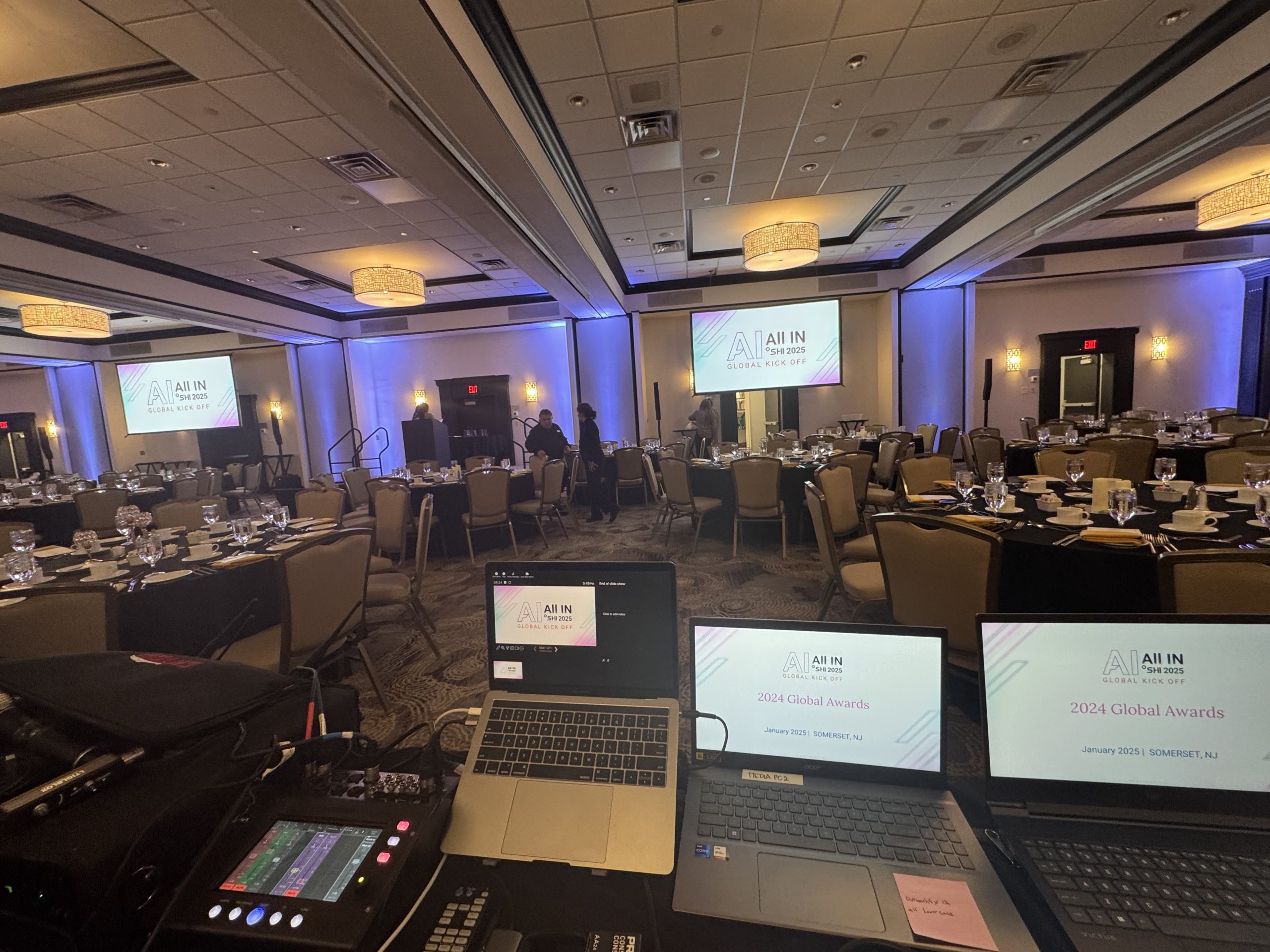
Livestream Production Equipment Checklist
| Equipment Item | Purpose | Redundancy Needed? |
|---|---|---|
| Video Cameras (2–4) | Primary coverage of stage and presenter | Yes — one backup camera minimum |
| Video Switcher | Live switching between camera feeds | Yes for broadcast-level events |
| Hardware Encoder | Converts video signal to streaming format | Yes — software backup encoder on standby |
| Dedicated Wired Internet | Upload stream to platform | Yes — bonded cellular as backup |
| Stream Monitor | Dedicated screen showing the virtual audience’s view | Required — essential for quality control |
| Clean Audio Feed | Direct mic feed to encoder (not room PA output) | Critical — this is often the failure point |
| Graphics/Slide Feed | Presenter slide content routed to stream | Verify resolution matches stream spec |
Day-Of Livestream Checklist by Phase
Load-In (3–4 Hours Before Show)
Set up all cameras on designated marks and confirm they match the planned shot list. Run all cable paths and label each. Connect to dedicated internet and run a sustained speed test (minimum 30 minutes) — not just a quick check. Configure encoder with correct platform settings and push a test stream to a private channel.
Technical Rehearsal (1–2 Hours Before Show)
Run through the complete signal chain with all sources live: cameras, presenter screen capture, audio feed. Watch the stream from a separate device on a separate network (not the venue WiFi) to verify what the virtual audience is actually seeing. Check audio sync against video. Have all remote speakers test their connection and audio levels independently.
30 Minutes Before Go-Live
Push a holding graphic or countdown to the stream. Confirm all virtual platform attendees are receiving the pre-show feed. Verify that the virtual producer has a direct communication line to the in-room technical director. Do a final audio level check and confirm clean feed is routing correctly to the encoder.
Live Execution
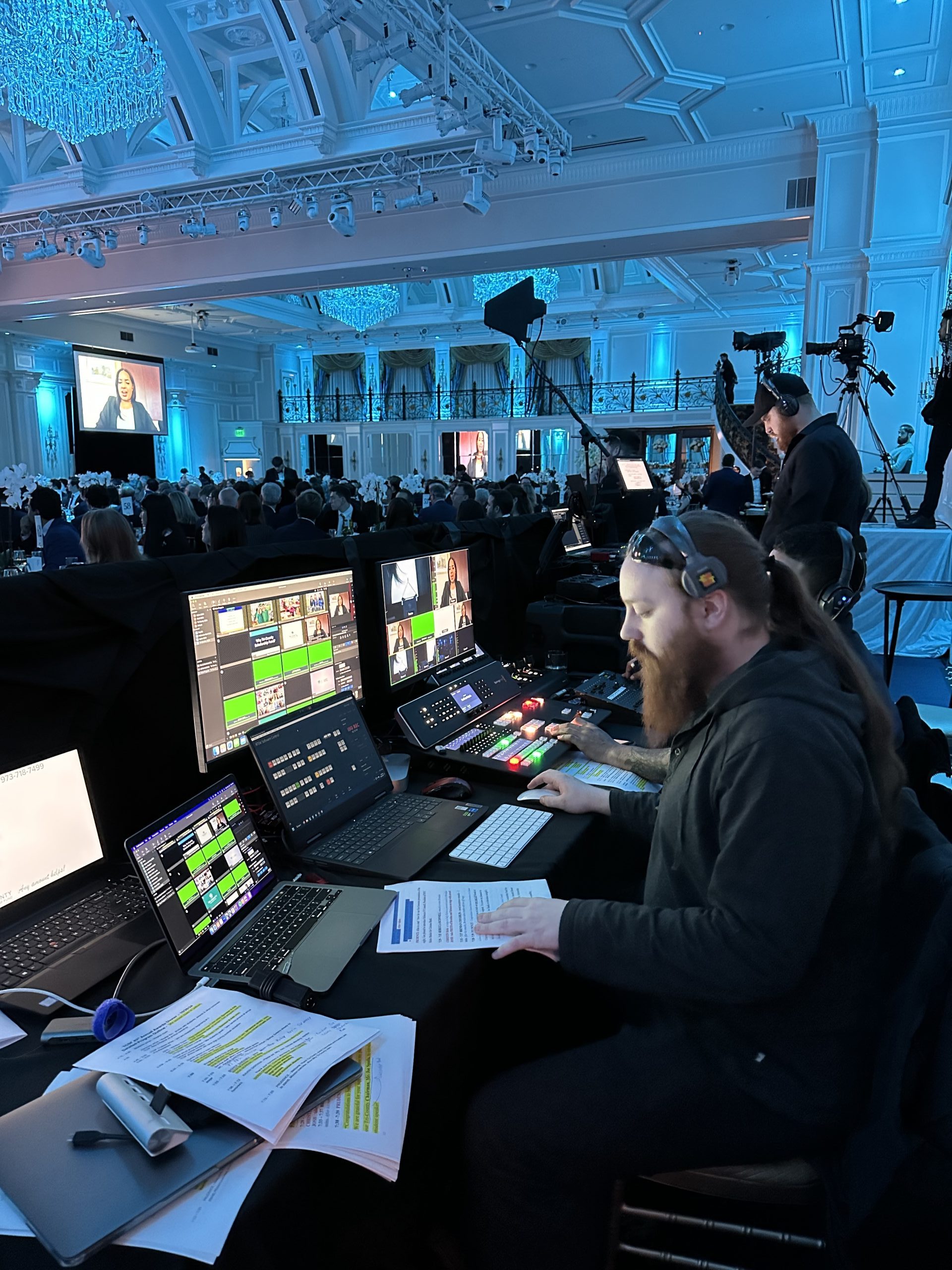
The virtual producer monitors the stream quality continuously — not just at the start. Audio levels, video quality, and platform stability need active monitoring throughout the event. Any technical issue should be communicated between in-room TD and virtual producer via intercom, not walkie-talkie.
Post-Event Livestream Checklist
After the event, download and archive the full stream recording immediately — platform recording availability windows vary and some platforms delete recordings within 30 days. Audit the recording for audio sync, content gaps, and any sections that were affected by technical issues. Deliver edited session recordings according to the agreed-upon timeline.
Send a virtual audience engagement report to event stakeholders — peak concurrent viewers, average watch duration, Q&A participation rate, and geographic distribution. This data demonstrates ROI and informs planning for the next event. For external events, this data also supports marketing attribution and sponsor reporting.
Ways to Reduce Livestream Production Costs
- Use PTZ cameras where operator labor can be eliminated: Remotely controlled cameras with programmed presets can reduce the camera operator count significantly for simpler broadcasts.
- Match platform to actual audience size: Enterprise platforms with unlimited attendee capacity cost more than those with caps that still exceed your expected count. Don’t pay for unlimited when you need 500.
- Consolidate stream management: A single virtual producer monitoring all streams is more efficient than assigning separate monitors per session.
- Record at source, edit after: Capturing ISO recordings and editing post-event is often cheaper than producing a polished live broadcast with real-time graphics.
- Negotiate annual platform agreements: Per-event platform licensing costs 2–4x more than annual agreements for organizations that run multiple events per year.
- Use bonded cellular as backup, not primary: Bonded cellular costs more per Mbps than dedicated venue internet. Use it as the failover insurance, not the primary feed.
Frequently Asked Questions
What internet speed do I need for a corporate livestream?
Minimum 10 Mbps dedicated upload for a single-camera 1080p stream. Multi-camera productions require 25–50 Mbps dedicated upload. Always order wired ethernet and have a bonded cellular backup. Test your connection with a sustained speed test, not a momentary check.
Should I use a hardware or software encoder?
Hardware encoders (like Teradek or Matrox) are more reliable for professional events — they don’t compete for system resources and rarely crash. Software encoders (OBS, vMix) work for smaller events but introduce risk. For any event where failure would be embarrassing, use hardware encoding with a software backup.
How do I make sure audio sounds good for virtual attendees?
Take a “clean” direct feed from the audio console — specifically from a mix bus that captures the microphone signal before it goes through the room’s PA processing. Never take audio from a microphone in the room listening to the speaker system — it will have reverb and ambient noise that sounds terrible on a livestream.
Can I livestream from a venue with only WiFi?
Technically yes, but it’s a significant risk. Hotel WiFi is shared and congested — you cannot guarantee sustained bandwidth. For any event where streaming failure would be unacceptable, order dedicated wired internet from the venue. If dedicated internet isn’t available, use a bonded cellular solution from your AV provider.
How long should I keep the stream recording available after the event?
Download and archive your recording immediately after the event. Platform availability windows vary — some delete recordings within 7–30 days without notice. Host your archive on a private CDN or internal video platform that you control.
What’s the difference between a simulcast and a hybrid event?
A simulcast is a one-way broadcast — virtual attendees watch but don’t interact. A hybrid event creates an intentional two-way experience where virtual attendees can participate, ask questions, and engage. Hybrid requires more infrastructure but creates a meaningfully better virtual experience. See our hybrid event production guide for full details.
Do I need a dedicated virtual producer?
Yes, for any event with 100+ virtual attendees or interactive components. The in-room technical director cannot simultaneously manage in-person production and the virtual stream experience. A dedicated virtual producer monitors stream quality, manages virtual Q&A, and handles remote speaker coordination independently.
Related AV Services
- Hybrid Event Production: Complete Guide
- The Complete Corporate Event AV Planning Guide
- How Much AV Does a Corporate Event Actually Need?
- Corporate Event Production Cost Guide
- Corporate Event Production Timeline
Need a Professional Livestream for Your Corporate Event?
CitiView AV provides full-service corporate livestream production — from camera setup and encoding to virtual platform management and post-event video delivery. We make sure your virtual audience gets the same quality experience as your in-room attendees.