A successful corporate event doesn’t happen by accident — it’s built on meticulous AV planning that starts weeks, sometimes months, before show day. Whether you’re orchestrating a 50-person executive off-site or a 2,000-person national sales conference, your audiovisual infrastructure sets the tone for everything your audience experiences. Poorly planned AV means technical failures, frustrated speakers, and an audience that disengages before the opening keynote ends.
This guide walks through the complete AV planning process for corporate events — from the first venue walkthrough to final show-day execution. Use it as your roadmap whether you’re working with an in-house team, a hotel AV vendor, or a third-party production company like CitiView AV.
Corporate Event AV Planning Timeline
| Timeframe Before Event | Key AV Planning Milestones |
|---|---|
| 12+ Weeks Out | Define event vision, begin venue search, draft AV requirements |
| 8–12 Weeks Out | Confirm venue, conduct AV site survey, issue RFPs to production companies |
| 6–8 Weeks Out | Select AV vendor, confirm equipment list, lock presenter schedule |
| 4–6 Weeks Out | Collect presenter decks, confirm run of show, review stage design |
| 2–4 Weeks Out | Finalize all technical specs, complete rehearsal schedule, confirm crew call times |
| 1 Week Out | Confirm load-in schedule, finalize presenter slides, brief AV crew |
| Show Day | Full technical rehearsal, sound check, final run-of-show walkthrough |
What Drives AV Complexity at Corporate Events
Not every corporate event has the same AV demands. Here are the key factors that determine how complex — and costly — your production will be.
Audience Size and Room Configuration
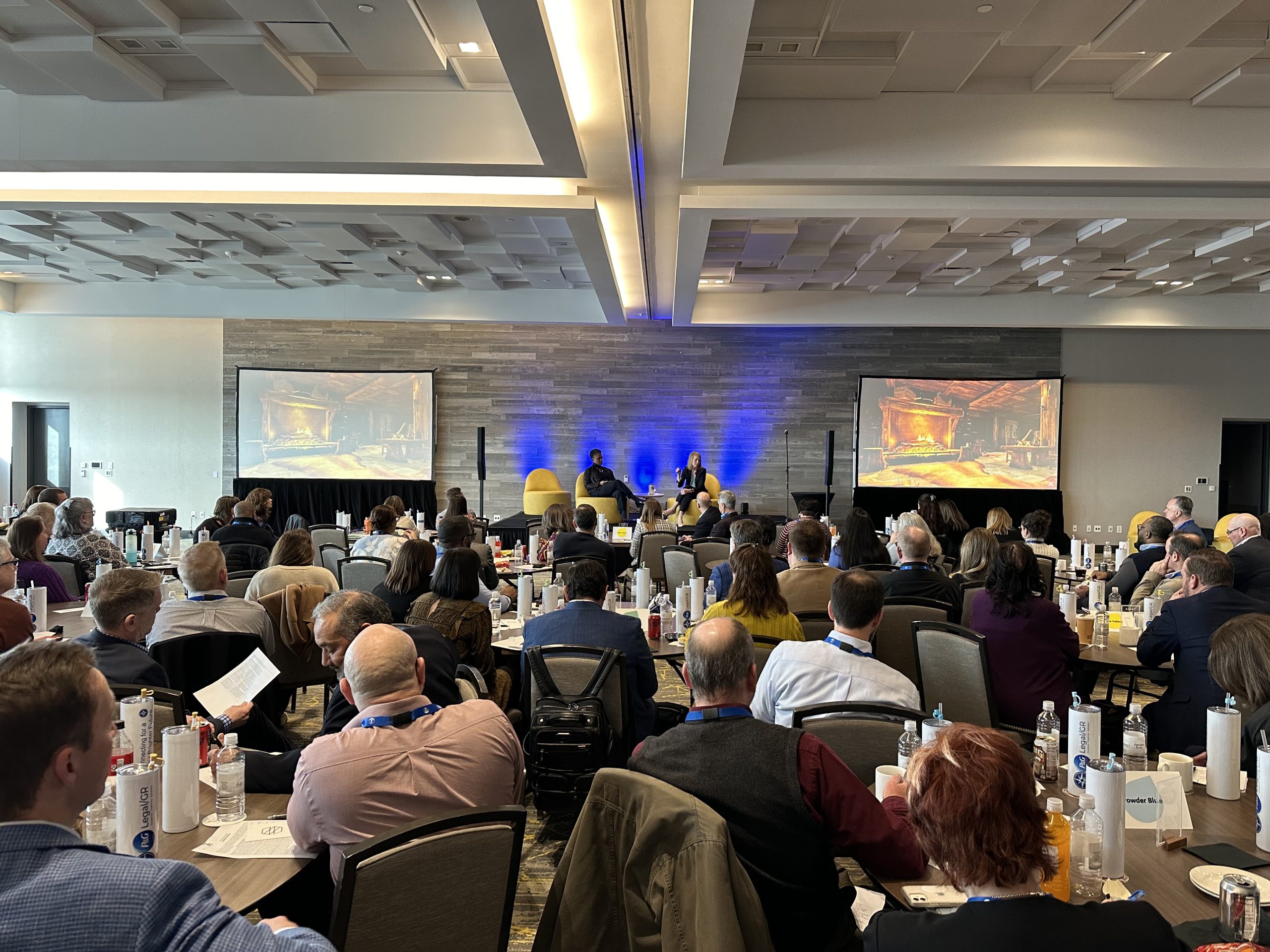
Larger rooms require more speakers, more screens, and more signal distribution. A 500-person general session in a ballroom needs very different infrastructure than a 50-person boardroom meeting. Room shape, ceiling height, and sight lines all affect your equipment choices significantly.
Number of Breakout Sessions
Each breakout room needs its own microphone, display, and audio system. Multi-track conferences can require 4–12 simultaneous AV setups running in parallel. See our breakout room AV setup guide for specific requirements by room size.
Speaker and Presenter Count
Each speaker transition adds complexity. Lapel mics need to be swapped, confidence monitors need to be configured per presenter, and slide handoffs require a dedicated operator. Events with 10+ speakers need a robust cue sheet and a dedicated show caller.
Video Content Complexity
Pre-produced video playback, live camera feeds, and real-time graphics all require separate technical layers. An event relying heavily on video needs an experienced video engineer and a proper playback system.
Livestreaming or Hybrid Components
Adding a livestream significantly increases AV scope. You’ll need dedicated cameras, an encoder, a streaming platform, and a separate audio mix for the virtual audience. See our hybrid event production guide for complete requirements.
Lighting Design
Lighting transforms a standard hotel ballroom into a branded environment. Stage wash, gobos, uplighting, and intelligent moving heads all require a lighting designer and console operator.

Corporate Event AV Equipment Checklist
| AV Category | Equipment Items | Typical Setup |
|---|---|---|
| Audio | Line array, subwoofers, stage monitors, wireless mics, mixing console | 2–4 wireless handhelds or lavs + main PA |
| Video/Display | Projection or LED wall, confidence monitors, IMAG cameras, video switcher | 1–2 main screens + 2–4 confidence monitors |
| Lighting | Stage wash, front fill, moving heads, uplighting, lighting console | Basic wash + brand color uplighting |
| Control/Crew | Show laptop, prompter, intercom, show caller, technical director | 1 TD + 1 audio + 1 video operator minimum |
| Streaming | Encoding hardware, dedicated internet, streaming platform, remote cameras | Added for hybrid/virtual components |
AV Planning Scenarios by Event Type
Executive Retreat (50–100 Attendees)
Typically a single general session with a modest AV package: one projection screen, basic PA, two wireless mics, and a simple lighting wash. Crew size is 2–3 technicians. Budget range: $8,000–$20,000. Advance planning timeline: 6–8 weeks.
Annual Sales Conference (300–800 Attendees)
Full production with multiple screens (often IMAG), line array audio, moving lights, confidence monitors, and hybrid streaming. Crew of 6–10. Budget range: $40,000–$120,000+. Requires 10–14 weeks of planning and often a 2-day load-in.
Multi-Day Industry Conference (500–2,000 Attendees)
Complex, multi-room production with a main stage general session, 4–10 breakout rooms, expo hall AV, and often a hybrid component. Crew of 15–30+. Budget range: $100,000–$500,000+. Requires 16–24 weeks of planning.
Product Launch or Awards Gala
High-impact productions requiring full LED video walls, theatrical lighting, IMAG cameras, scripted run-of-show, and custom branded content. Creative direction should begin 12+ weeks out.
How to Run Your AV Planning Process
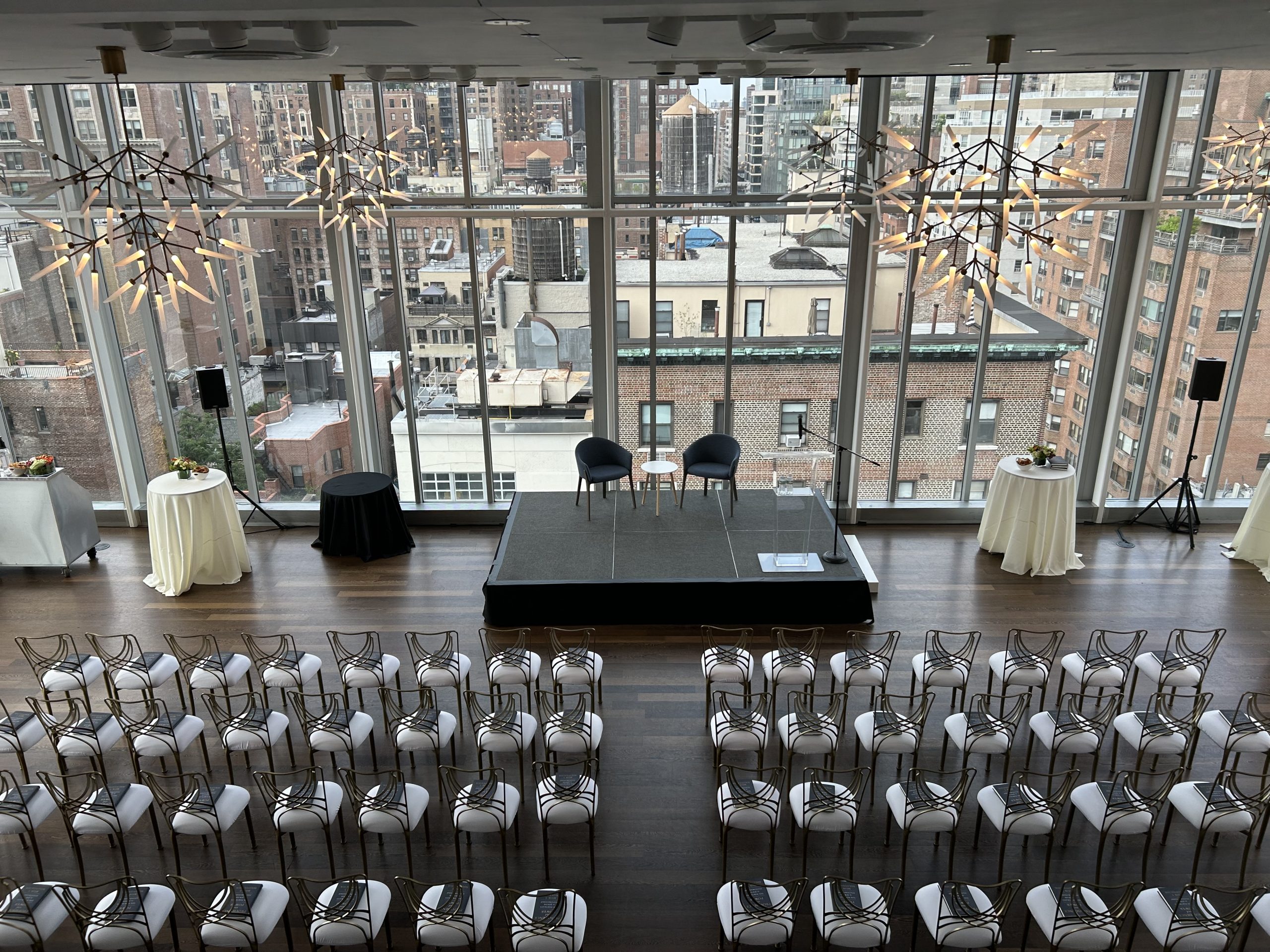
Start with a detailed site survey before finalizing your AV scope. Walking the venue with your production company reveals ceiling heights, power access, rigging points, acoustic challenges, and sightline issues that can’t be detected from a floor plan alone. This single step prevents the most expensive surprises.
Create a master AV specification document that includes room dimensions, seating layout, screen placement, cable paths, and power requirements. Share this with every vendor and venue contact. The more clearly your requirements are documented, the fewer assumptions will be made — usually at your expense.
Build your run-of-show in parallel with your AV planning. Every speaker transition, video playback, and lighting cue needs to be mapped to a specific time. Your technical director needs this document at least two weeks before the event — not the morning of.
Ways to Reduce Corporate Event AV Costs
- Book early: AV companies often offer better rates for early commitments and have more equipment availability to work with.
- Simplify your run-of-show: Fewer video elements and fewer speaker transitions mean less crew time and fewer operators.
- Minimize breakout room complexity: Simple displays and Bluetooth audio in small breakout rooms instead of full AV rigs can save thousands.
- Combine load-in days: Scheduling setup and strike efficiently reduces overtime labor charges significantly.
- Reuse branded content: Custom motion graphics built once can be repurposed across multiple events annually.
- Use in-house equipment strategically: Identify what’s worth supplementing vs. what needs to be fully replaced.
Frequently Asked Questions
How far in advance should I start AV planning?
Start at least 8–12 weeks out for events under 300 people, and 16–24 weeks for large multi-day conferences. Waiting until 4 weeks before limits your options and increases costs significantly.
Should I use the venue’s in-house AV or hire my own?
In-house AV is often the default but rarely the best option for high-stakes events. Third-party production companies typically offer better equipment, more experienced crews, and stronger creative vision.
What is a technical director and do I need one?
A technical director oversees all AV systems during your event. For any event with multiple speakers, complex cues, or video content, a dedicated TD is essential.
How many wireless microphones do I need?
The standard is one more than you think you’ll use. For a keynote event, have at least 2 handhelds and 2 lavalier mics ready. Panel discussions with 4–5 speakers need 6+ wireless channels.
What’s IMAG and when do I need it?
IMAG (Image Magnification) refers to live camera feeds of speakers shown on large screens in real time. It’s essential for rooms over 200 people where attendees in the back can’t see the stage clearly.
How much bandwidth does a livestream require?
Plan for a minimum 10 Mbps dedicated upload for a single-camera stream at 1080p. Multi-camera streams require 25–50 Mbps. Always use a wired ethernet connection — never rely on hotel WiFi for mission-critical streaming.
What happens if there’s a technical failure during my event?
Professional AV companies run redundant systems — backup microphones, backup laptops, backup projectors. Ask your vendor specifically what their redundancy plan is during the proposal phase.
Related AV Services
- Corporate Event AV Cost Guide — What to Budget
- Corporate Event Production Timeline
- Hybrid Event Production: Complete Guide
- Conference Stage Design Ideas
- How Much AV Does Your Event Actually Need?
Ready to Plan Your Corporate Event AV?
CitiView AV specializes in full-service corporate event production across the Northeast and beyond. From intimate executive meetings to large-scale national conferences, we handle every technical detail so your event runs flawlessly.