Breakout sessions are where conference content gets applied. While the main stage is where messages are delivered to the full audience, breakout rooms are where smaller groups dig deeper — workshops, roundtables, training sessions, panel discussions, and collaborative working sessions that require their own fully functional AV environments. Under-specifying breakout room AV is one of the most common (and avoidable) conference production mistakes.
This guide covers everything you need to know about setting up breakout room AV for corporate conferences — from minimum requirements by room size to advanced configurations for interactive workshop formats.
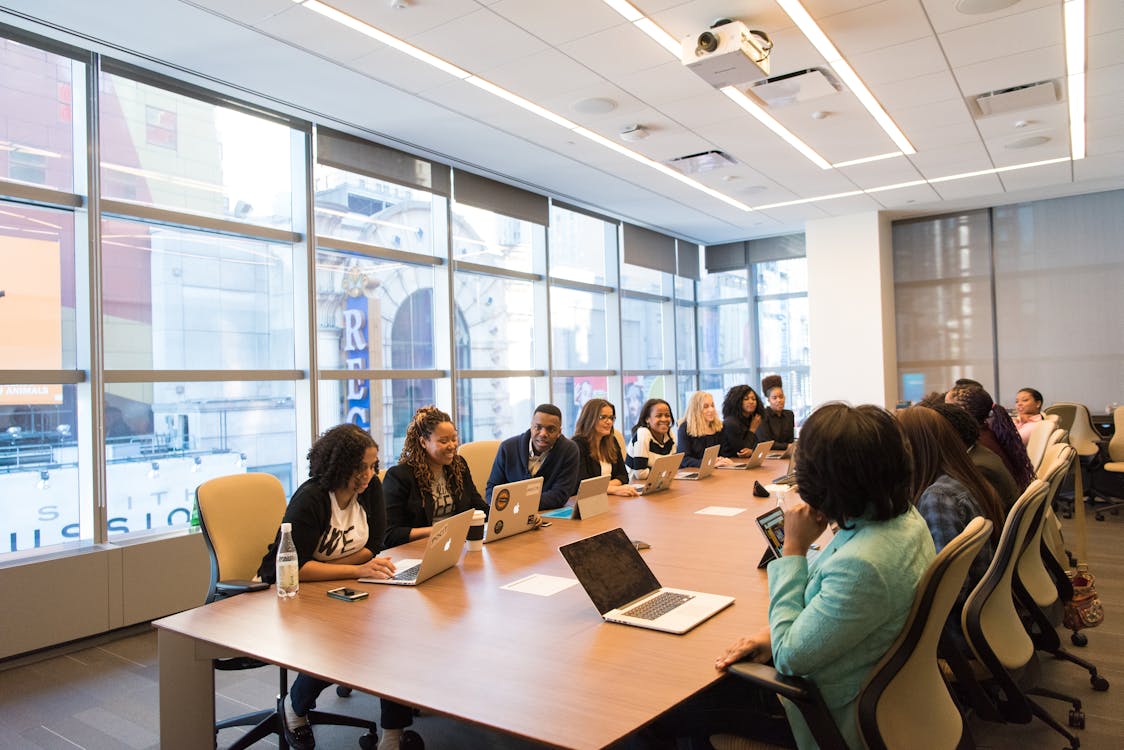
Breakout Room AV Requirements by Room Size
| Room Size | Capacity | Minimum AV Setup | Budget Range |
|---|---|---|---|
| Small (Boardroom) | 10–20 | 65–85″ display, HDMI connection, Bluetooth speaker or built-in audio | $800–$2,500 |
| Medium (Classroom) | 25–60 | Projection screen or 85″+ display, column speaker, 1–2 wireless mics | $2,500–$6,000 |
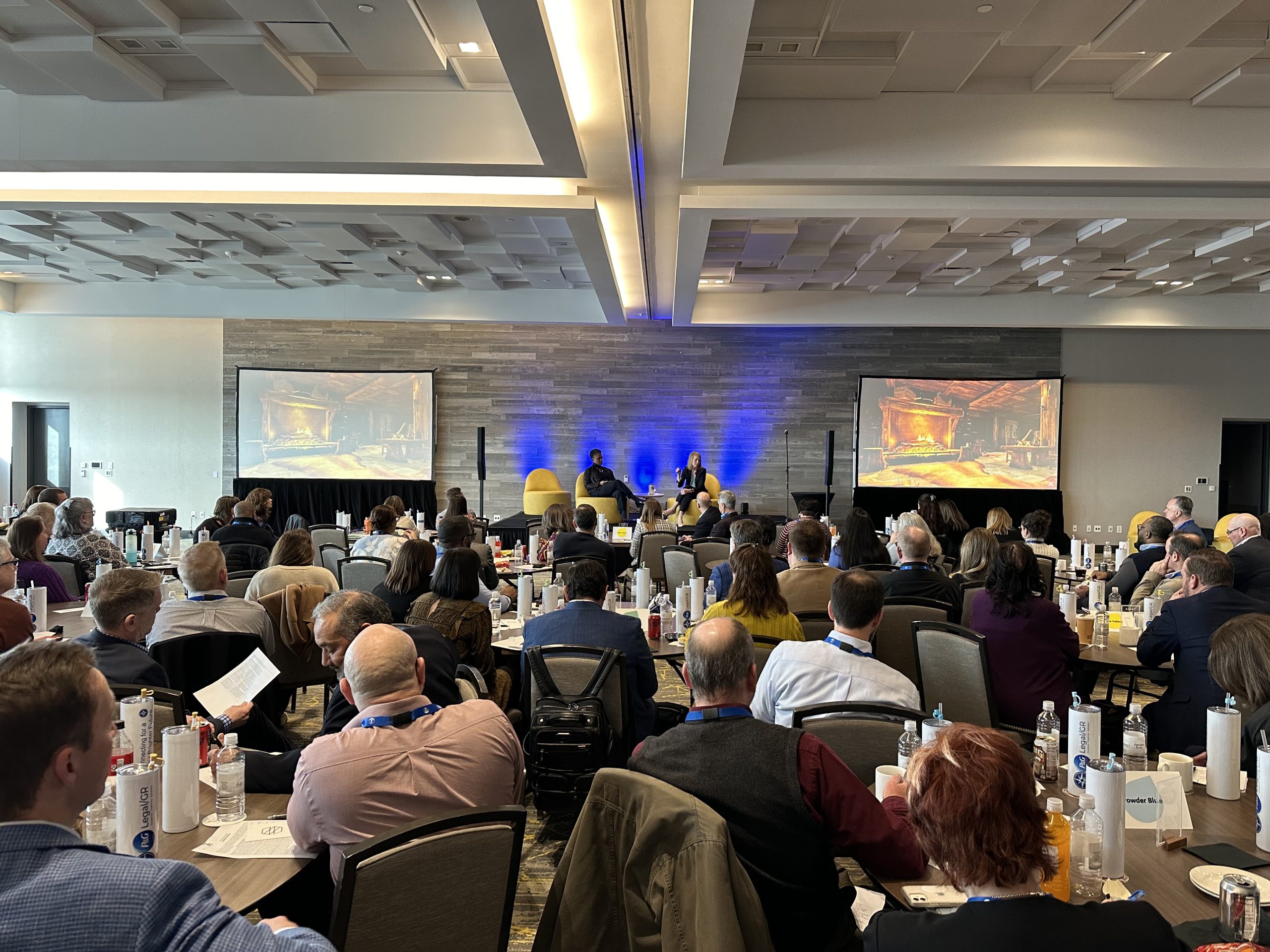
| Large (Breakout Hall) | 80–150 | 10–12 ft screen, small line array, 2–4 wireless mics, confidence monitor | $5,000–$12,000 |
| Workshop Space (Flexible) | 20–50 | Dual displays (front and back), distributed audio, multiple mic zones | $4,000–$9,000 |
Key Factors That Shape Breakout Room AV Needs
Session Format
A lecture-style session needs a presenter mic and a display for slides. A roundtable discussion needs table microphones or a roving handheld so all participants are heard clearly. An interactive workshop with group activities may need a facilitator lapel mic, a flip chart camera, and audience response technology. Identify each session’s interaction model before specifying AV.
Room Acoustics and Background Noise
Hotel meeting rooms separated by air walls often transmit sound from adjacent breakout sessions. This requires higher speaker output to overcome bleed-through and careful microphone gain management to avoid picking up neighboring audio. If air walls are involved, do a sound check with adjacent rooms occupied before finalizing your settings.
Simultaneous Translation Requirements
International conferences sometimes require real-time interpretation in breakout rooms. This adds a wireless interpreter console system, receiver units distributed to each attendee requiring translation, and a dedicated interpreter booth or dedicated quiet space. Scope this well in advance — interpreter systems require specialized equipment not carried by all AV vendors.
Hybrid Breakout Sessions
When virtual attendees need to participate in breakout discussions, the complexity increases substantially. Each hybrid breakout needs a camera on the room (not just the presenter), a confidence display showing the virtual participants, and a bidirectional audio setup that captures room discussion without feedback. See our hybrid event production guide for full technical requirements.
Recording Requirements
If sessions are being recorded for on-demand distribution, each breakout room needs a dedicated recording setup — at minimum a clean program audio feed and a camera or screen capture device. This adds cost and complexity but creates content assets with lasting value for your organization.
Content Display Requirements
Presentation-heavy sessions need a single clear display at the front of the room. Interactive workshops might need multiple display points so all participants can see content regardless of where they’re seated. Whiteboard-style digital displays add collaboration capability for working sessions.
Breakout Room Equipment Breakdown
| Equipment Item | When Required | Notes |
|---|---|---|
| Display (TV or Projection) | All rooms with content | Size to room depth: 65″ for up to 25′, 85″+ for 25–40′, projection for 40’+ |
| Wireless Microphone | Rooms over 30 people | Lavalier for single presenter; handheld for roving Q&A |
| Speaker/PA System | Rooms over 40 people or with poor acoustics | Column speaker works well for classroom setups; line array for larger breakouts |
| Confidence Monitor | Presenter-facing rooms | Shows slides or notes; prevents presenter from turning their back to the audience |
| Presentation Clicker | All presentation sessions | Wireless clicker + backup; have spare batteries on hand |
| Room Camera | Hybrid or recorded sessions | PTZ cameras work well for unattended recording in breakout rooms |
Breakout Room Setup Scenarios
Standard Workshop Session (35 Attendees)
One 85-inch display on a rolling stand, a single column speaker, one wireless lavalier mic, and a presentation clicker. Self-operated by the presenter with no technician required after setup. Total per-room cost: $2,500–$4,000. Setup time: 45 minutes.
Panel Discussion Breakout (80 Attendees)
10-foot projection screen, small line array, 5 wireless microphones on the panel table plus 2 roving handhelds for audience Q&A, confidence monitor for the moderator, and one AV technician in the room. Total per-room cost: $6,000–$10,000. Setup time: 2–3 hours.
Interactive Training Room (25 Attendees)
Dual 65-inch displays (one at each end of the room), distributed ceiling speaker system for even coverage, wireless lavalier for facilitator, and a second display for participant-facing content. Total per-room cost: $4,000–$7,000. Setup time: 2 hours.
Hybrid Breakout Session (50 In-Person, 30 Virtual)
12-foot projection screen, PA system, 3 wireless mics, PTZ camera capturing the room, dedicated monitor showing virtual attendees, video conferencing bridge connected to the main display. Requires a dedicated AV technician. Total per-room cost: $8,000–$15,000. Setup time: 3–4 hours.
How to Plan Breakout Room AV Efficiently
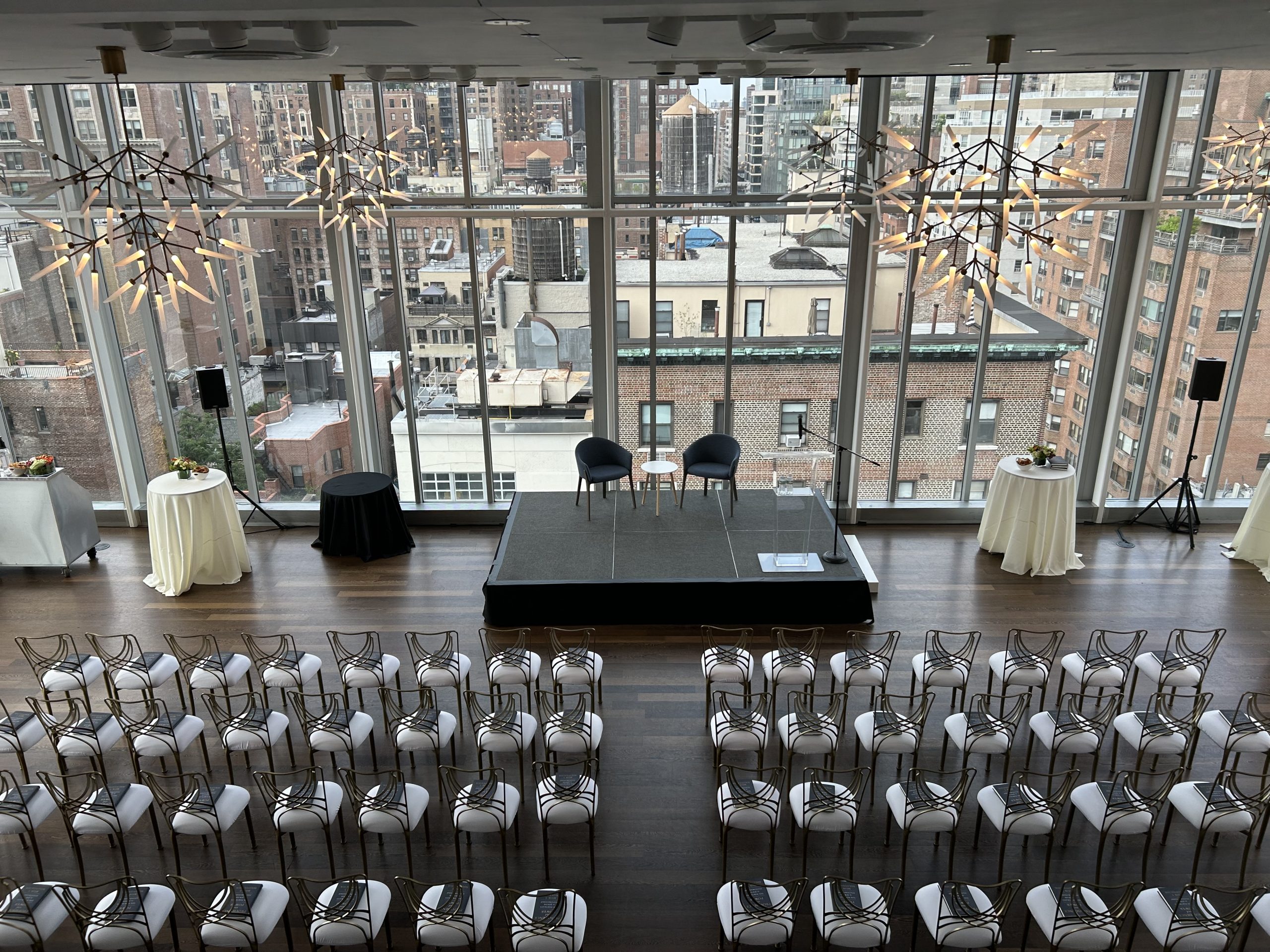
Standardize your breakout room setup as much as possible. If all rooms have the same display size, same audio system, and same mic count, your AV team can set up faster, troubleshoot more easily, and swap equipment between rooms if something fails. Custom configurations per room multiply both cost and complexity.
Create a session-by-session technical rider for each breakout room. This document specifies what each session needs, who’s presenting, and whether the session is being recorded or streamed. Share it with your AV team at least two weeks before the event — not the morning of. Last-minute changes to breakout room configuration are expensive and stressful.
Plan your technician coverage carefully. Not every breakout room needs a dedicated tech, but every breakout floor needs one. A roving technician can cover 3–5 self-operated rooms effectively if the setups are standardized and each presenter is briefed before their session begins.
Ways to Keep Breakout Room AV Costs Under Control
- Standardize across rooms: Identical setups reduce equipment variety, speed up setup, and allow easier troubleshooting across rooms.
- Use display TVs instead of projection where room depth allows: A 75″–85″ TV is cheaper than a projection screen setup and requires no alignment or keystoning.
- Limit wireless mic channels: Not every small room needs 4 wireless mics. Assess the actual session format and mic accordingly.
- Use roving technicians for self-operated rooms: Brief presenters on the technology and have one tech cover multiple rooms rather than staffing each room individually.
- Use the same equipment pool for setup and breakout rooms: Work with your AV provider to share equipment between the general session setup and breakout rooms where scheduling allows.
- Eliminate AV from purely social spaces: Cocktail hours and networking breaks don’t always need dedicated AV setups — sometimes ambient music from a portable speaker is sufficient.
Frequently Asked Questions
How many breakout rooms can one AV technician support?
One experienced technician can support 3–5 self-operated breakout rooms simultaneously if setups are standardized and presenters have been briefed. Hybrid or heavily managed sessions require one tech per room.
Do breakout rooms need dedicated wireless mic frequencies?
Yes. When multiple breakout rooms operate simultaneously, each room needs its own wireless frequency block to prevent interference. This requires careful frequency coordination — your AV provider should handle this, but it’s worth confirming explicitly before the event.
What’s the best display option for a 50-person breakout room?
A 10–12 foot projection screen is standard. A pair of 85-inch TVs positioned for viewing from both sides of the room works well for roundtable formats where everyone faces the center. The right choice depends on room shape and seating layout.
Can presenters use their own laptops in breakout rooms?
Yes, with the right adapters. Standardize on HDMI as your primary input and carry USB-C, Mini DisplayPort, and VGA adapters for your entire fleet of rooms. Require presenters to test connectivity during the designated setup window before their session begins.
How do I manage audio bleed between adjacent rooms?
Keep speaker volume at the minimum level needed for the room. Avoid placing high-volume sessions adjacent to quiet workshop sessions. Request the venue assess air wall sound isolation before finalizing your room assignments.
Should I record all breakout sessions?
Recording adds cost and storage requirements but creates content assets with lasting value. Prioritize recording sessions with unique speakers, training content, or intellectual property that would benefit from replay. Not every breakout session needs to be preserved.
What’s a confidence monitor and do breakout rooms need them?
A confidence monitor is a display facing the presenter showing their slides and/or notes. For presentation-heavy breakout sessions of 30+ people, a confidence monitor significantly improves presenter flow. For workshops and discussions, they’re generally not necessary.
Related AV Services
- How Multi-Room Conference Production Works
- The Complete Corporate Event AV Planning Guide
- How Much AV Does a Corporate Event Actually Need?
- Hybrid Event Production: Complete Guide
- Corporate Event Production Cost Guide
Planning a Multi-Room Corporate Conference?
CitiView AV handles full breakout room coordination for corporate conferences of all sizes — from 3-room offsites to 15-room multi-day events. We standardize setups, brief presenters, and keep every session running on time.